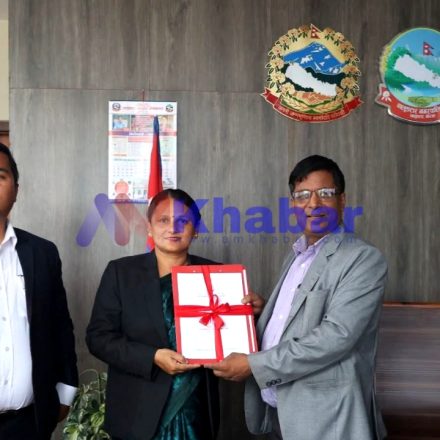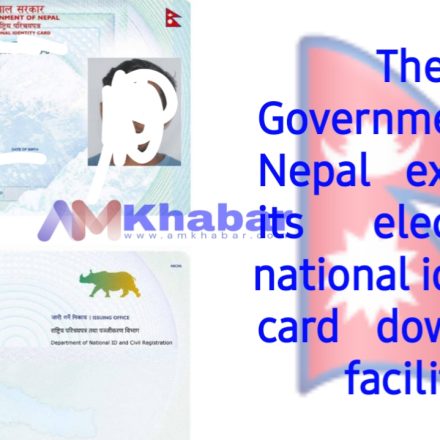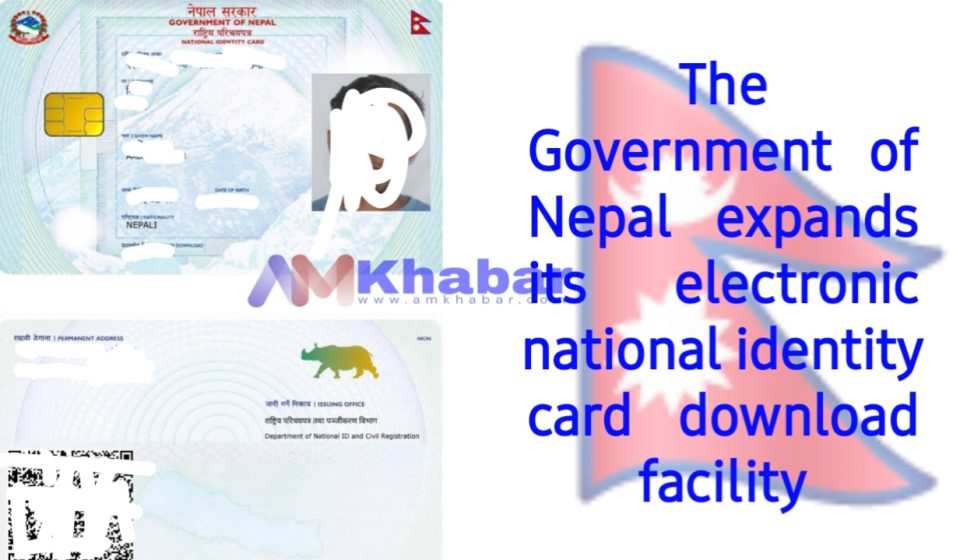

The government just launched a service where you can download your national ID card. The Department of National Identity and Registration started this trial today.
You can get your ID card with your photo and an online ‘verification’ QR code from their website: https://citizenportal.donidcr.gov.np/ne.
This is part of the government’s 100 agenda for governance reform, specifically item number 2, which is all about letting people download their national ID cards with photos and QR codes from the department’s system.
If you have a national ID card number, you can download your card by providing your name (in Nepali or English), date of birth, and the date your citizenship was issued.
The department is asking all public bodies and organizations that currently check printed copies of national ID cards to now scan the QR code on the card and verify the details shown by the citizen.